
Google Business Profile: a step-by-step guide to more enquiries
Ajdin PodrinjaFounder of Grow · 7 years in marketing and webPublished 25 Aug 2026
How to set up your Google Business Profile properly: verification, categories, photos, reviews and posts — step by step, so customers find you on Google Maps and in local search.
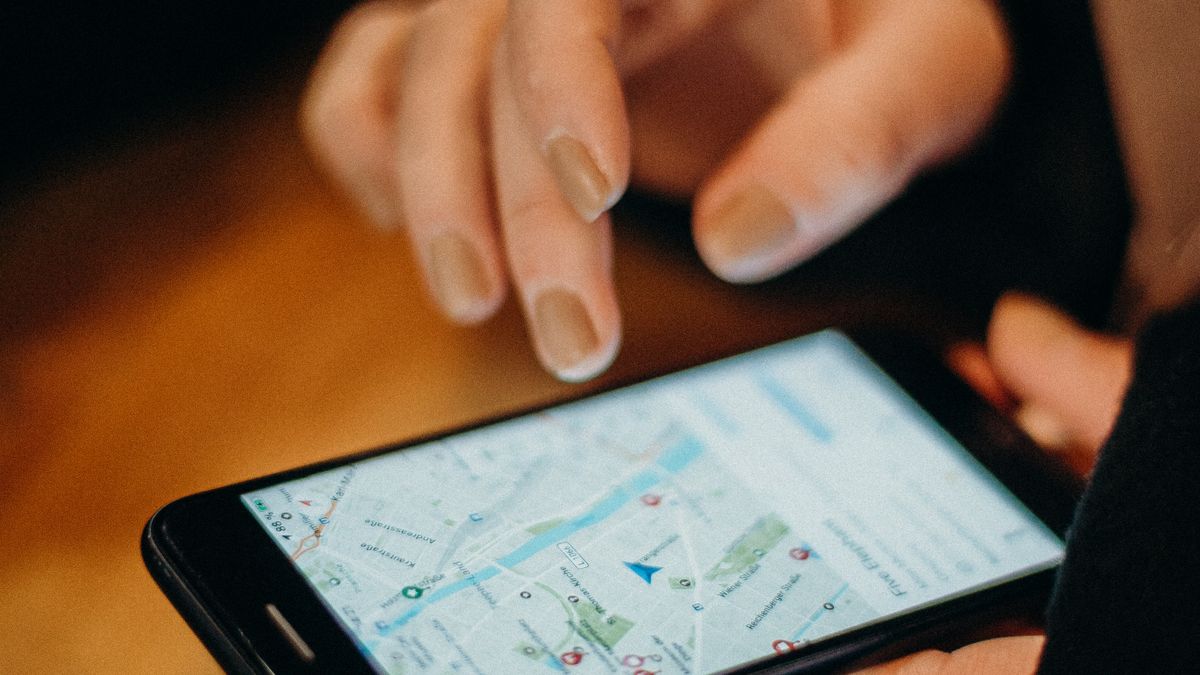
When someone searches for “hairdresser near me” or “electrician Cologne”, the first thing they see is a map with three businesses — the so-called local pack. Whether you appear there depends mainly on your Google Business Profile (formerly Google My Business). It is free, takes about an hour to set up and is often the most important source of calls and direction requests for local businesses.
Step 1: Create or claim your profile
Search Google Maps for your company name. If a listing already exists — often created automatically by Google — click “Own this business?” and claim it. Otherwise create a new profile at business.google.com. Use a company Google account, not an employee's private one.
Step 2: Verification
Google needs to confirm your business is real. Depending on the industry this happens by video (you film your sign, premises and equipment), phone, email or postcard. Only after verification is your profile fully visible. Tip: have a business registration or a branded vehicle ready for the video.
Step 3: Core details — accurate and consistent
- Name: exactly your business name, without keywords (“Schmidt Painters”, not “Schmidt Painters – cheap Cologne”). Keyword stuffing can get you suspended.
- Primary category: the most important and precise one (e.g. “Dentist”, not “Health”). It has the biggest impact on rankings.
- Additional categories: only what you genuinely offer.
- Address and service area: if you serve customers on site (trades, cleaning), you can hide the address and list service areas instead.
- Phone number, website, opening hours including public holidays.
Make sure name, address and phone number are identical everywhere — in the profile, in your website's legal notice and in directories such as Gelbe Seiten or industry portals. Inconsistencies confuse Google.
Step 4: Services, description and photos
The description (up to 750 characters) should say in two or three sentences what you do, for whom and where. List your services or products individually — this gives Google additional terms you are relevant for.
Photos are the underrated lever: profiles with recent, real images get noticeably more clicks and direction requests. Upload your logo, cover image, exterior and interior, team and examples of your work — and add something new every few weeks.
Step 5: Collect reviews systematically
The number, freshness and average of your reviews are among the strongest local ranking factors. Ask happy customers right after the job — with a short link or QR code from your profile. Reply to every review, including critical ones: factual, friendly and solution-oriented.
- Never buy reviews or trade them for discounts — it breaks Google's policies and German competition law.
- No reviews from employees or family.
- Negative review? Reply within 48 hours, own the mistake, offer to talk.
Step 6: Connect the profile and your website
The profile links to your website — and the website should reinforce the profile: identical contact details, one page per service, your city in headings and copy, an embedded map and structured data (LocalBusiness schema). We explain how it fits together in our SEO basics for small businesses.
The most common mistakes
| Mistake | Consequence | Better |
|---|---|---|
| Keywords in the business name | Profile may be suspended | Real name; keywords in description and services |
| Wrong opening hours | Frustrated customers, bad reviews | Enter holidays and closures in advance |
| Category too generic | Little visibility | Choose the most precise matching category |
| No replies to reviews | Looks abandoned | Reply to every review |
| Profile never updated | Declining visibility | Add photos or posts monthly |
- Does a Google Business Profile cost anything?
- No, the profile is free. Costs only arise if you also run Google Ads or outsource its management.
- How long until I appear on Google Maps?
- Usually a few days after verification. Ranking at the top for competitive terms often takes several weeks — depending on reviews, competition and your website.
- Can you set up the profile for me?
- Yes. With our packages we set up and optimise your Google Business Profile; with GROW CARE+ we keep maintaining it. More on our pricing page.
Related
SEO and local visibility